

The initial Managed Apps integration operates existing applications provisioned through Hosting. It does not yet provision a new instance, database or domain from the plugin. The host adapter and plugin must be installed together; catalog publication alone does not activate them. On 18 October 2026, the production host adapter, database policy and developer alpha were deployed together, and the existing Webdock Tabularium app was assigned to its existing project. Other projects still require an explicit installation grant and app binding.
Operate the app in Webdock
- See the assigned application, deployment status and current operation.
- Start, stop or restart the existing application through Hosting.
- Open its Hosting detail page for infrastructure administration.
- Open the customer’s dedicated Tabularium instance.
Production Console
The production Console shows the existing Tabularium app and its trusted app/Hosting links. The signed read action was verified with an authenticated operator session; the same app read from a different project was denied. No stop or restart was performed on the live registry during verification.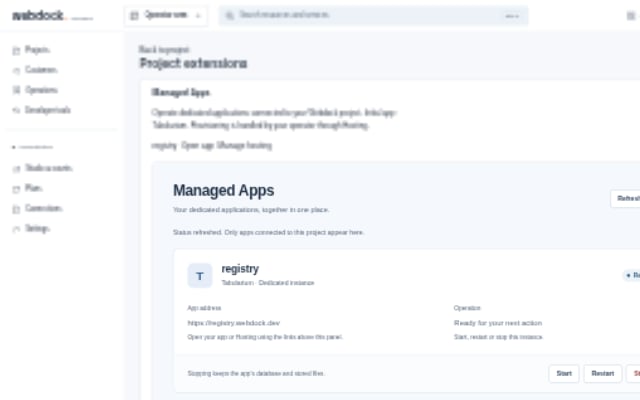
Panel preview
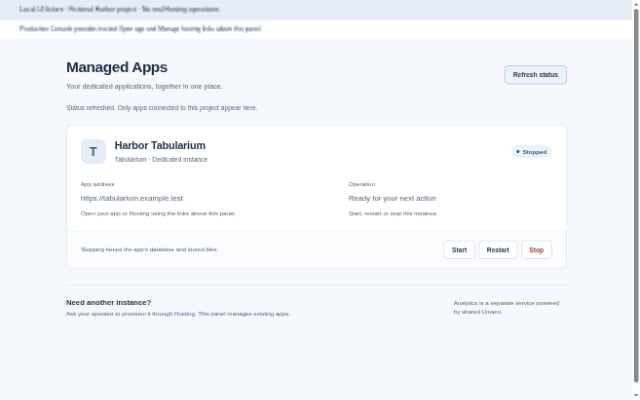
These captures show a fictional Harbor project in the local UI fixture. Start and stop are simulated here; the images are not evidence of a production installation. The production Console supplies trusted app and Hosting links above the panel.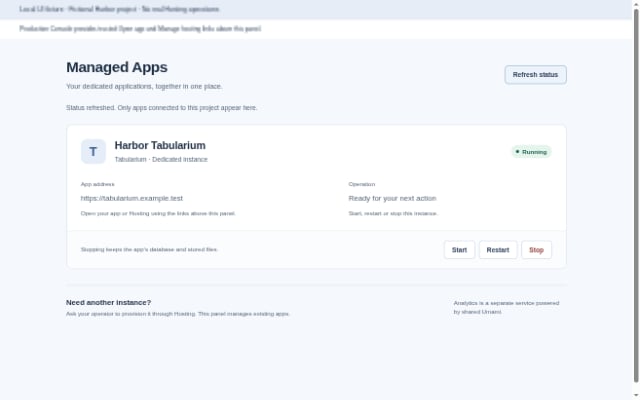
Configure the registry in Tabularium
Use the dedicated Tabularium administration for registry branding, kinds, manifest fields, submissions, providers and users. Webdock does not duplicate those screens or request a Tabularium administrator token for Managed Apps. The operator binds each managed app to its actual project and verified HTTPS origin. A plugin installation does not grant access to unassigned apps. Existing registry data and settings stay in place when an already deployed Tabularium app is connected.Tracking is a separate product
Managed Analytics uses a shared Umami instance and gives each customer project scoped tracking resources. Customers do not receive their own Umami installation. Its integrated tracking controls therefore remain in the analytics plugin.API and MCP
The Managed Apps plugin exposes application list/detail and start/stop/restart actions through the same host authorization used by its panel.
Mutations carry
app_id, revision and subscription_revision; the host derives the project and idempotency scope from the verified invocation. A stale revision is rejected. App links are rendered by the Console from trusted Hosting metadata, outside the sandboxed plugin panel. Registry branding, kinds, manifest fields and provider settings are not plugin actions. See plugin API and MCP for the common transport rules.
Withdrawn registry-admin alpha
The formermanaged-registry version 0.1.0-alpha.1 is withdrawn and must not be installed. It mirrored registry administration into Webdock, which is not the Managed Apps product boundary. Its source and immutable release artifacts are retained for traceability; it was not installed in production.